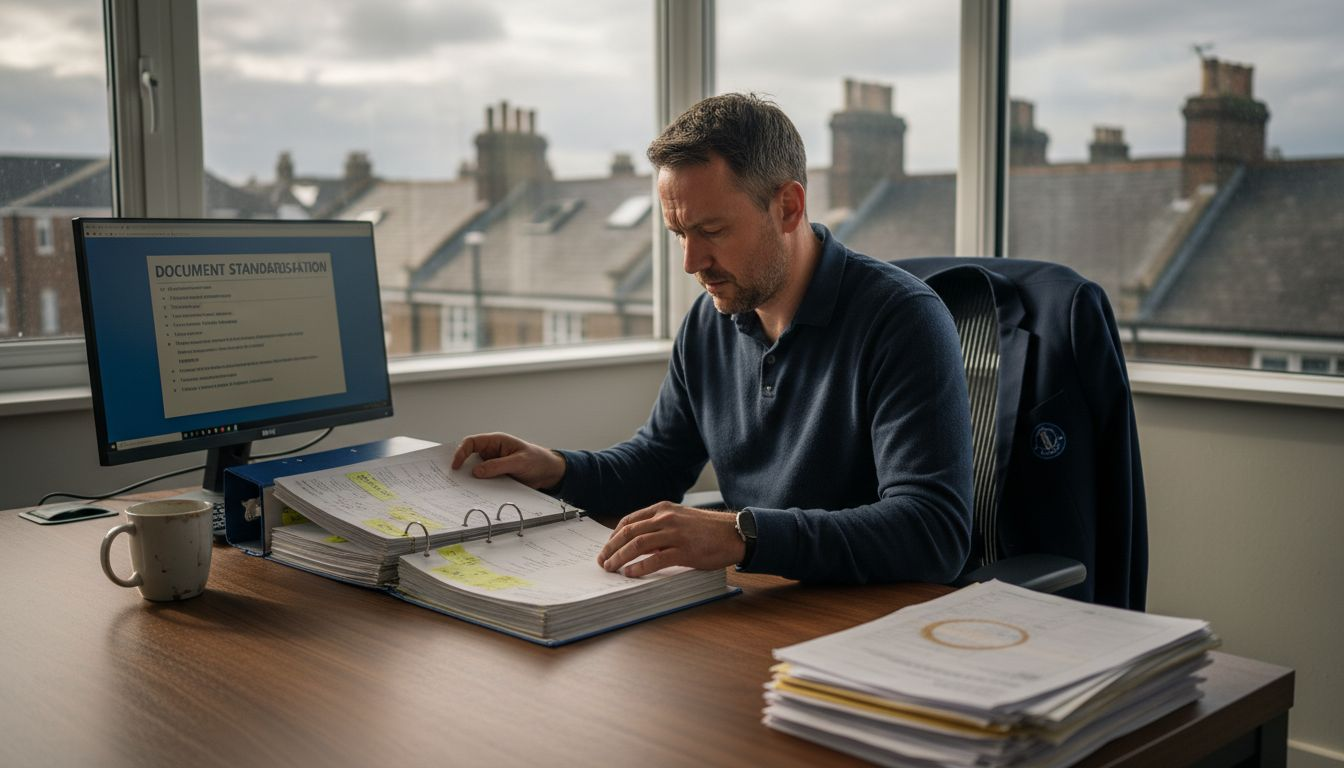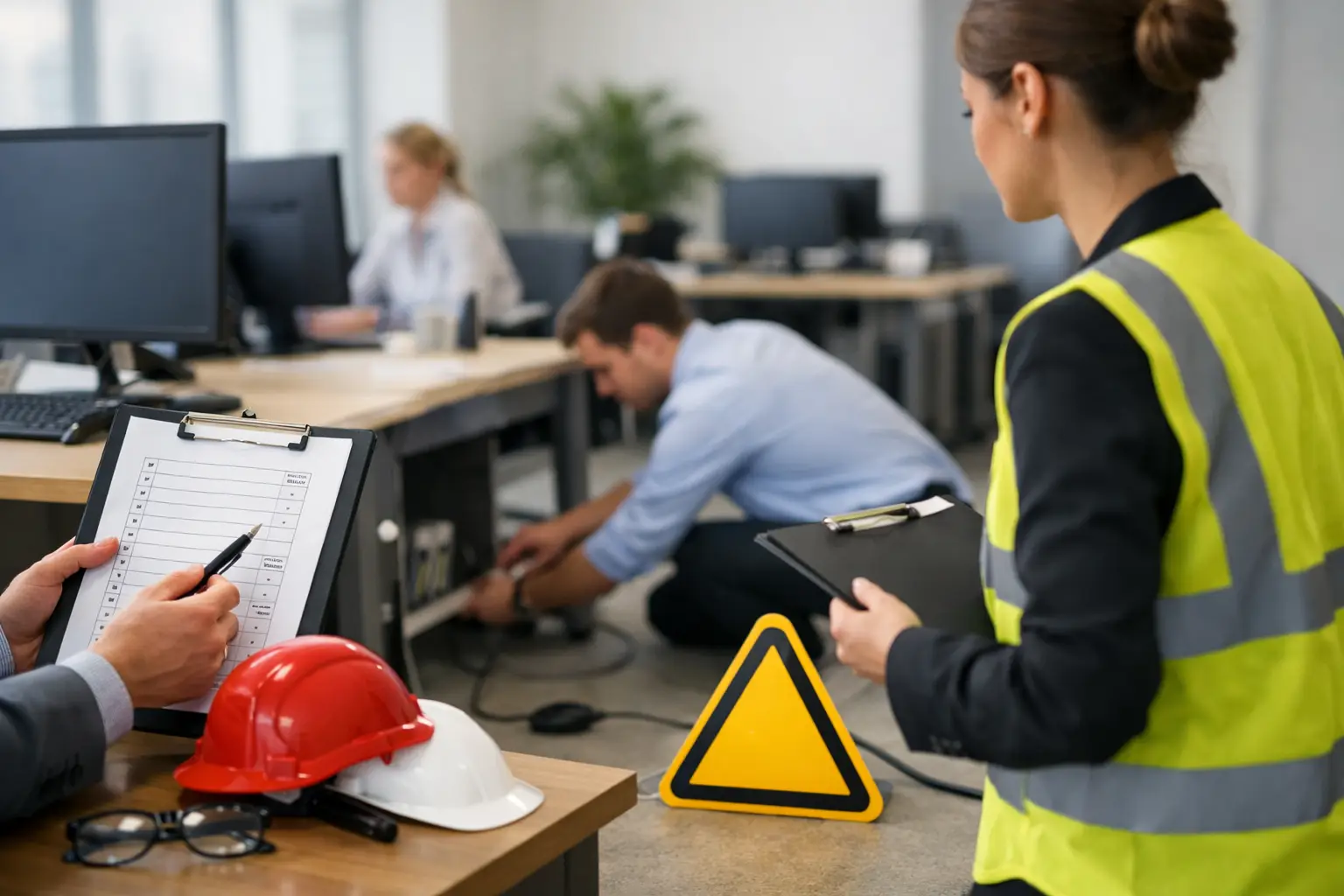
If you have ever sat down to complete an office risk assessment example and found yourself staring at a blank document, the problem usually is not the hazards. It is knowing how much detail is enough, what control measures sound sensible, and how to turn a general office setup into something specific to your business.
For most small and medium-sized businesses, office risk assessments are not complicated because the environment is high risk. They are complicated because the risks are familiar, which makes them easy to overlook. Poor workstation setup, trailing leads, overloaded sockets, blocked walkways and stress-related issues rarely look dramatic, but they are exactly the sort of day-to-day hazards that should be recorded and managed properly.
What an office risk assessment example should show
A useful office risk assessment example is not just a list of hazards. It should show how the office operates, who could be harmed, what controls are already in place, and whether further action is needed. That is what makes the document practical rather than generic.
In a typical office setting, the people at risk may include employees, agency staff, contractors, visitors and cleaners. The hazards are often routine, but they still need clear wording. If the assessment is too vague, it becomes difficult to act on. If it is too detailed, it becomes hard to maintain. The right balance depends on the size of the office, the layout, the equipment in use and whether there are any higher-risk factors such as storage areas, shared kitchens, lone working or regular visitor access.
For that reason, a template is usually the best starting point. It gives you the structure, but you still need to tailor the detail to the way your office actually works.
Office risk assessment example
Below is a simple office risk assessment example to show the level of detail that is usually appropriate for a standard workplace.
Hazard: Slips, trips and falls
People at risk include employees, visitors and contractors. Typical causes are trailing cables, boxes left in walkways, wet floors and loose flooring.
Existing controls may include good housekeeping, cable management, regular cleaning, prompt spill response and clear walkways. Further action might include replacing damaged flooring, introducing better storage arrangements or reminding staff not to leave bags and equipment in access routes.
Hazard: Display screen equipment and workstation use
People at risk are office staff who use computers and laptops for extended periods. Common issues include poor posture, unsuitable chair height, badly positioned screens and lack of breaks.
Existing controls may include adjustable chairs, workstation assessments, guidance on posture and encouragement to take short breaks. Further action could include individual DSE reviews, monitor risers for certain users or additional equipment for home or hybrid workers.
Hazard: Electrical equipment
People at risk include all office users. Hazards include damaged cables, overloaded sockets, defective appliances and unsafe use of extension leads.
Existing controls may include visual checks, maintenance arrangements, staff reporting procedures and portable appliance testing where appropriate. Further action might involve removing damaged items from use immediately, reducing reliance on adaptors or improving inspection records.
Hazard: Fire
People at risk include everyone in the building, especially visitors unfamiliar with the layout. Risks include blocked escape routes, faulty electrical equipment, poor housekeeping and inadequate emergency arrangements.
Existing controls often include fire alarms, extinguishers, emergency lighting, signed escape routes, fire drills and trained fire wardens where needed. Further action may include refresher training, checking that exits remain unobstructed, or updating the fire evacuation procedure after layout changes.
Hazard: Manual handling
Although offices are not usually associated with heavy lifting, staff may still move stationery boxes, archived files, bottled water or small items of furniture. Poor lifting technique and awkward storage can lead to strains.
Existing controls might include avoiding unnecessary lifting, using suitable storage heights and asking for assistance with heavier items. Further action could involve basic manual handling guidance or changing where supplies are stored.
Hazard: Stress and mental wellbeing
People at risk include all staff, particularly where there are heavy workloads, long hours, limited support or poor role clarity. This area can be harder to assess because the hazard is not always visible.
Existing controls may include regular supervision, manageable workloads, annual leave arrangements, access to support and clear communication. Further action depends on the business. In one office it may mean better planning during busy periods. In another, it may mean training line managers to spot early signs of stress.
Hazard: Violence, aggression or challenging visitors
This is not relevant to every office, but it matters in businesses with public-facing reception areas, debt collection activity, complaints handling or lone reception duties.
Existing controls may include visitor sign-in procedures, reception barriers, staff training and escalation arrangements. Further action might be a panic alarm, revised staffing arrangements or a clearer reporting system for incidents.
How to make the example fit your own office
This is where many businesses go wrong. They copy a generic office risk assessment example, file it away and assume the task is done. The problem is that a generic document will not reflect your own floor plan, staffing levels, equipment, working hours or shared facilities.
A small two-room office with six staff has different practical risks from a multi-floor administrative hub with meeting rooms, storage areas and regular client visits. A hybrid office also raises issues that a fully site-based office may not, especially around home workstation setup, lone working and equipment taken off site.
The safest approach is to use the example as a framework and then edit each section with your own details. That means naming actual hazards in your workplace, recording the real controls already in place and being honest about gaps. If action is needed, it should be specific enough for someone to carry out. “Improve housekeeping” is weak. “Introduce weekly check of walkways and storage areas by office manager” is much more useful.
What good control measures look like
Control measures should be proportionate. In most offices, the aim is not to create layers of paperwork for low-level issues. It is to show that sensible precautions are in place and that the workplace is being managed.
Good office controls are usually straightforward. Clear walkways, suitable chairs, maintained equipment, trained staff, sensible storage and basic emergency procedures go a long way. The challenge is consistency. A measure only works if people follow it. For example, a no-storage policy on escape routes sounds fine on paper, but it needs checking in practice.
This is also where responsibilities matter. If no one owns the action, it tends to drift. Assigning a person and a review date keeps the assessment live rather than theoretical.
Common mistakes when using an office risk assessment example
The most common mistake is treating the document as a one-off exercise. Offices change quietly. Desks move, equipment builds up, staff numbers increase, and spare space turns into storage. A risk assessment that was accurate last year may now miss basic issues.
Another common problem is writing controls that are too broad to verify. Statements such as “staff are trained” or “equipment is checked” need some backing behind them. Who was trained, on what, and how often? What equipment is checked, and by whom? You do not need to turn a simple office assessment into a legal textbook, but the wording should reflect real arrangements.
The third issue is forgetting non-routine risks. Contractors, visitors, young persons, pregnant workers, disabled employees and lone workers may all need consideration depending on the workplace. Not every office will need separate detail for every group, but the assessment should show that these factors have been considered where relevant.
When a template saves time
If you are building documents from scratch, office risk assessments can absorb more time than they should. The structure has to be right, the wording needs to be usable, and the finished document must still be editable as your business changes.
That is why professionally prepared templates are often the practical option for smaller businesses. A good template gives you a clear format, suitable risk categories and wording that can be adapted quickly without starting from a blank page. For businesses that need compliance documents in place without paying for bespoke consultancy, that can make the process much more manageable.
ACI Safety provides editable health and safety templates designed for exactly that kind of use – documents you can download, amend and put into your own system with confidence.
Reviewing your office risk assessment
An office risk assessment should be reviewed when there is reason to think it is no longer valid, and also at sensible intervals even if nothing obvious has changed. Office refurbishments, new equipment, increased headcount, layout changes, incidents and changes to working patterns are all good reasons to revisit it.
A review does not always mean rewriting the whole document. Sometimes it is just a matter of updating a few control measures, adding a newly identified hazard or closing out an action point. The key is that the assessment remains relevant to the workplace as it stands now, not as it looked when the document was first created.
If you start with a clear office risk assessment example and then tailor it properly, the end result should be simple to maintain. That is usually the best sign you have done it right. A useful risk assessment is not the one with the most words. It is the one your business can actually use.